Re-Align Image
Many times a plot from an old PDF or report contains images that are rotated or distorted in the photo-copy process. In order to realign the axes and make them orthogonal, use the Fix-Image-Alignment option.
3 and 4 Point Alignment
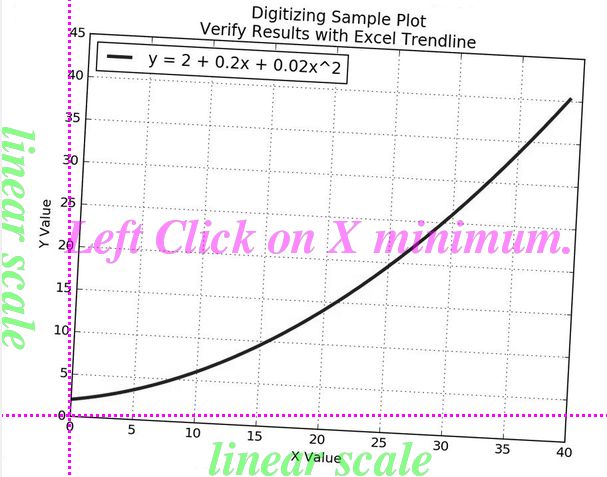
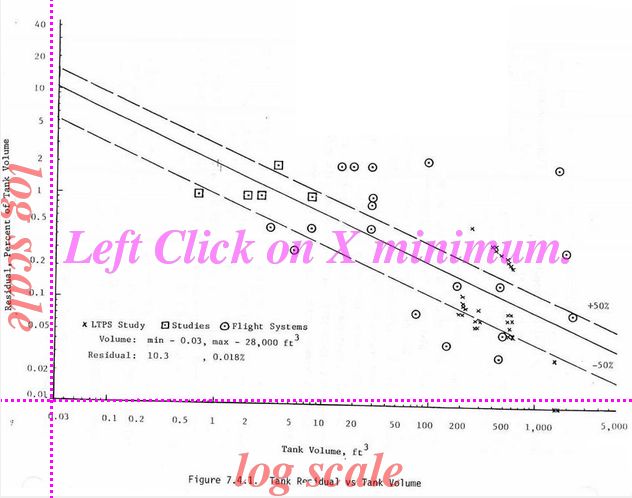
The images below, for example, need to be realigned before they can be digitized. The image on the left has 4 distinct corners that can be used to realign the axes. The image on the right, has only 3 distinct points.
Under the menu option Fix-Image-Alignment, you can choose 4 Point Axes Align or 3 Point Axes Align as appropriate.
| 4 Point ReAlign | 3 Point ReAlign |
|---|---|
|
|
Click images to see full size
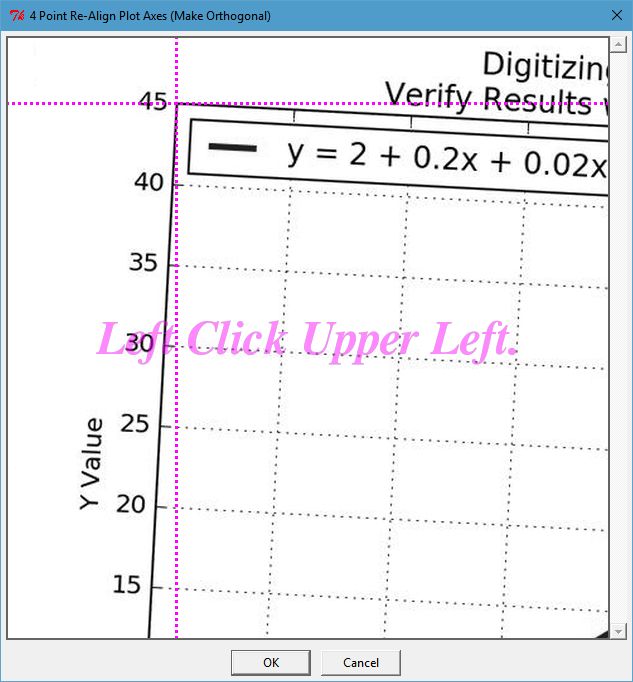
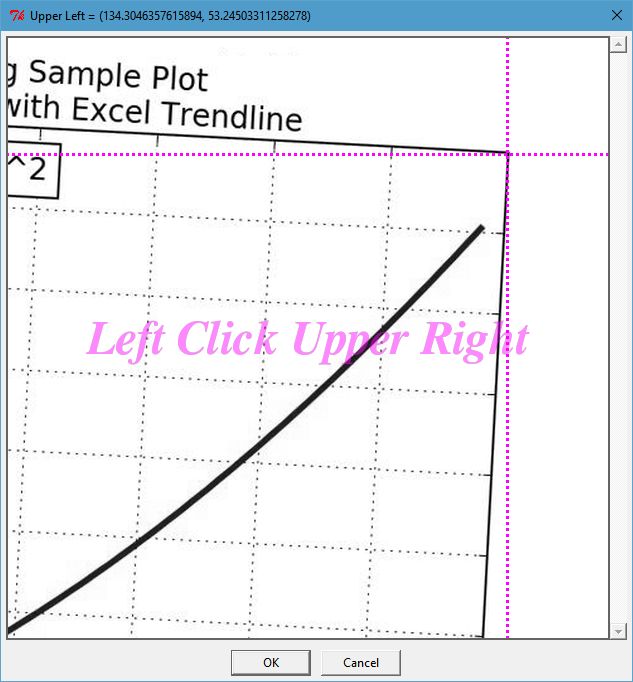
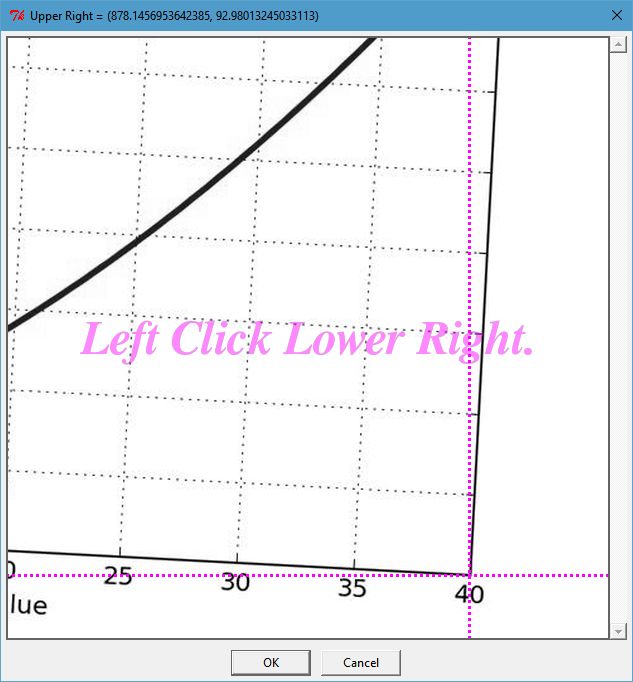
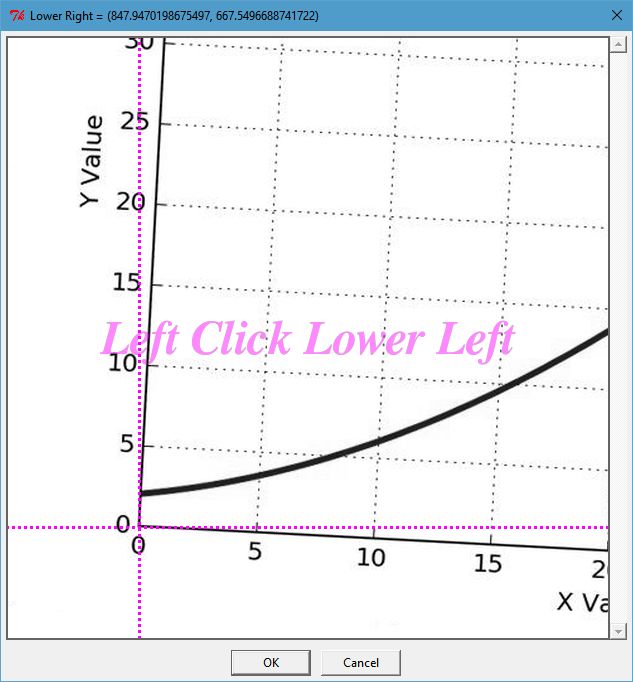
Click Reference Points
Follow the on-screen prompts and click the reference corners (3 or 4).
| Click Xmin | Click Xmax | Click Ymin | Click Ymax |
|---|---|---|---|
|
|
|
|
Click images to see full size
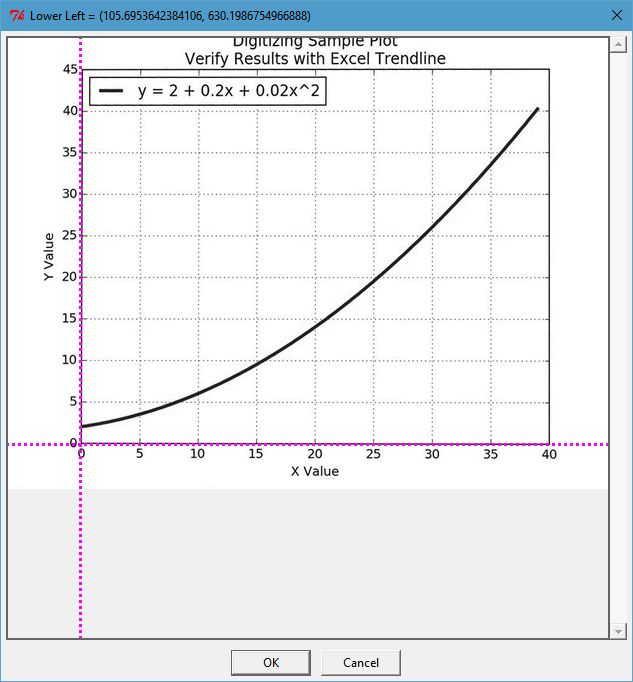
Verify Results
When done, verify results with cross-hairs (i.e. verify orthogonal axes).
| Say OK | Verify Results |
|---|---|
|
|